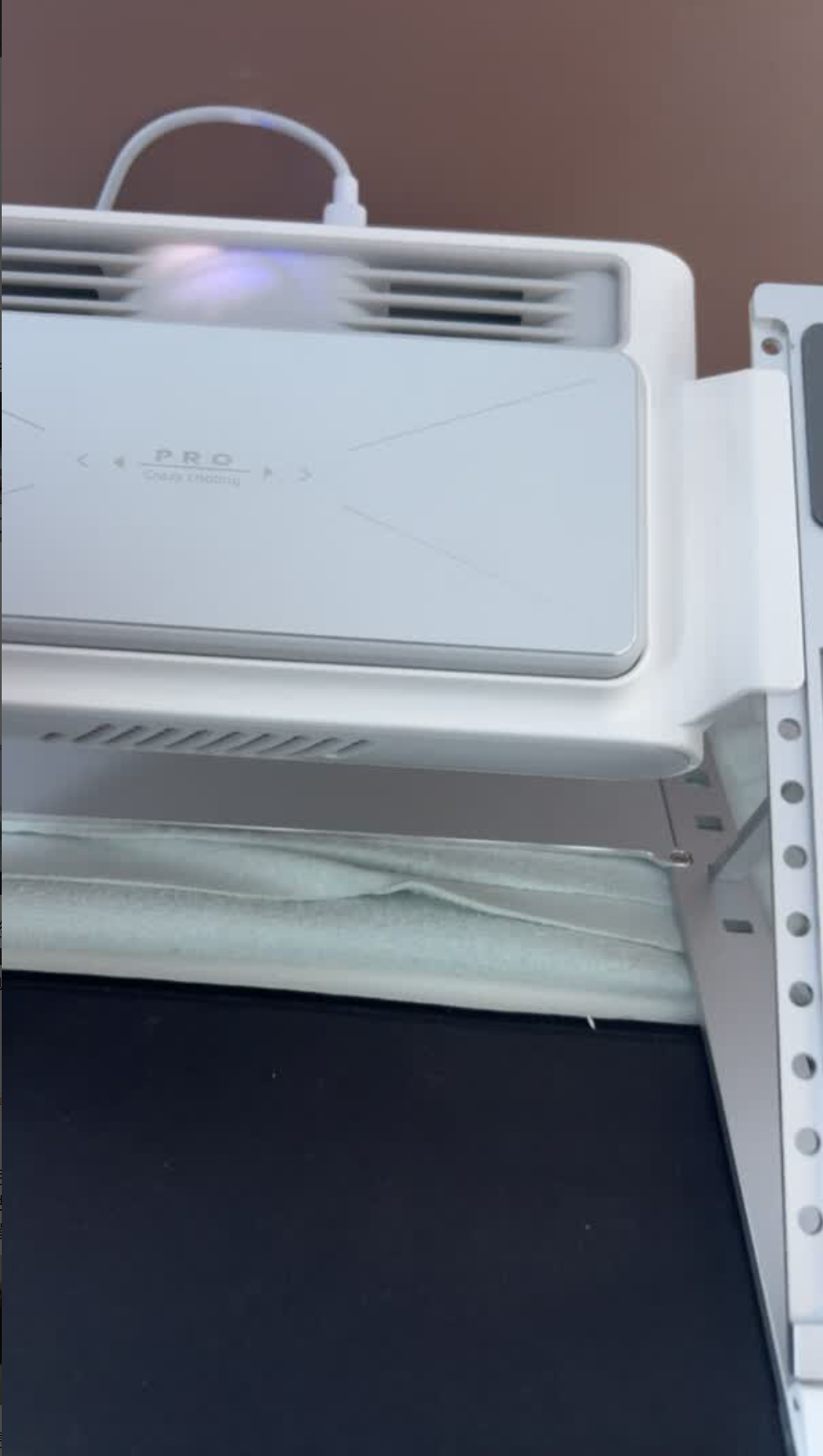
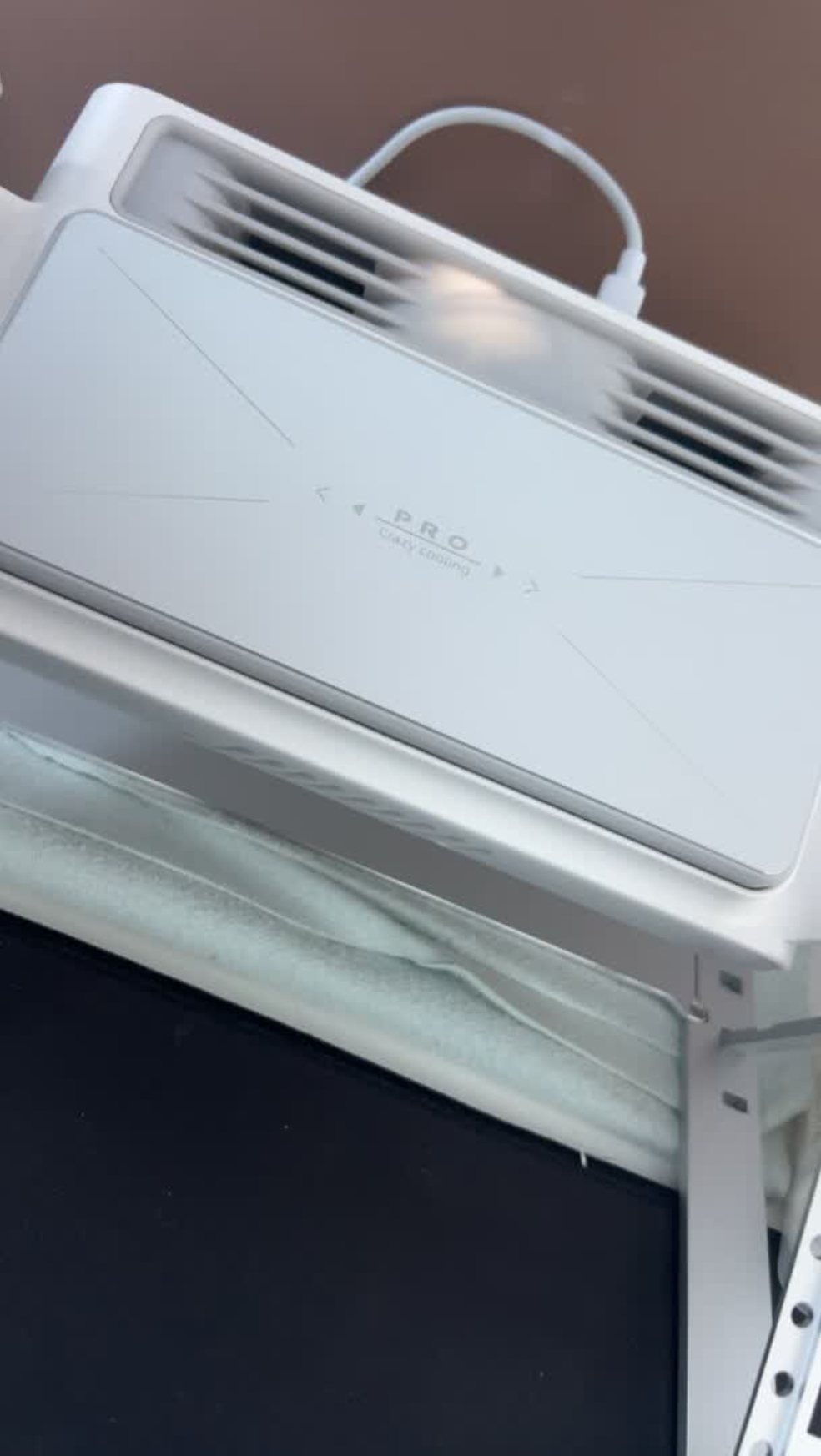
KryoZon H1 PRO Laptop Cooling Stand with Semiconductor
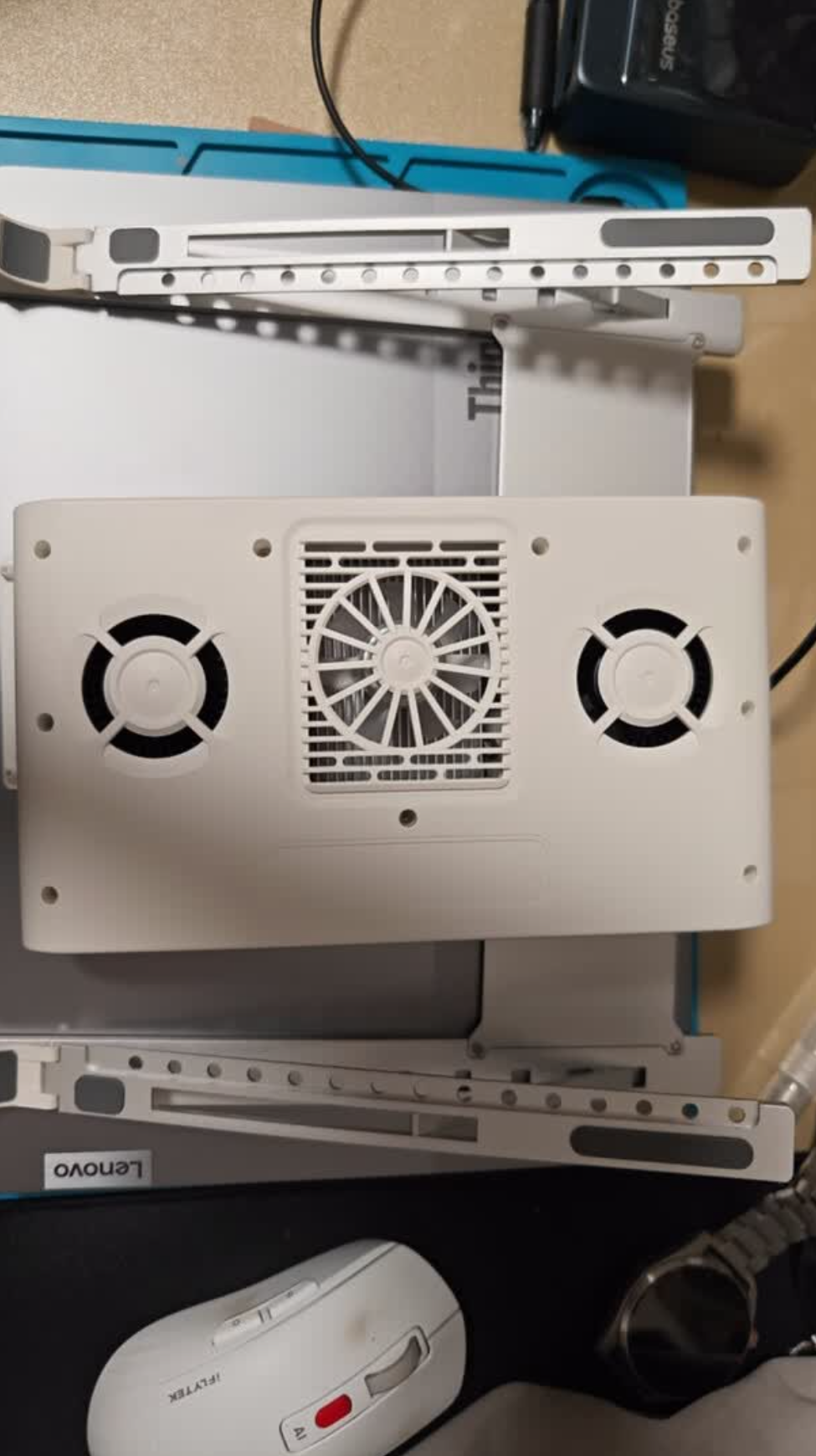
- Dual Cooling System — Semiconductor TEC + 3,200 RPM dual turbofans for instant temperature drop.
- 3-Speed Fan Control — Low (office), Mid (multitasking), High (gaming/rendering).
- Aviation-Grade Aluminum CNC — One-piece precision machining, MacBook-grade 0.125mm sandblast anodized finish.
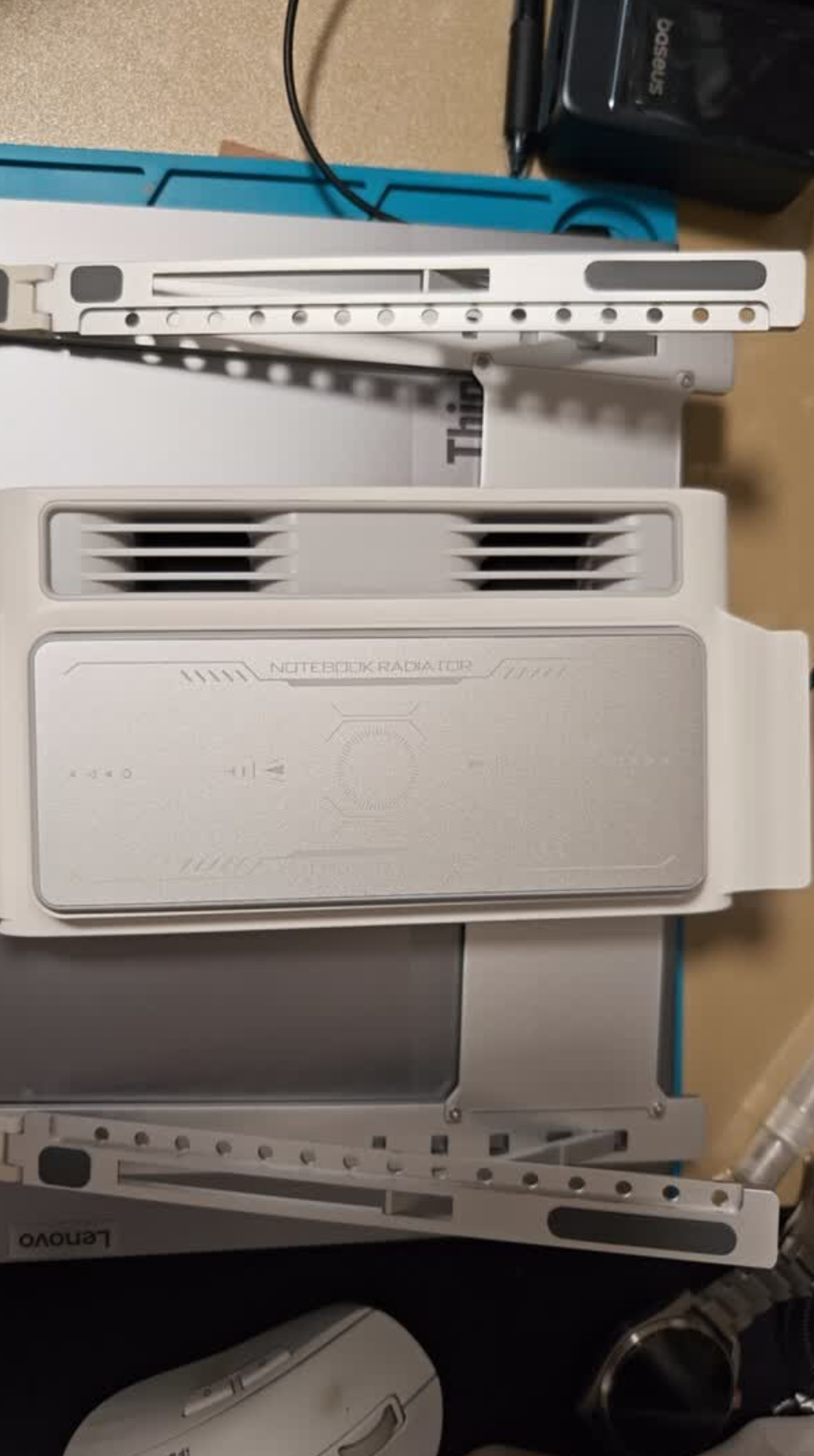
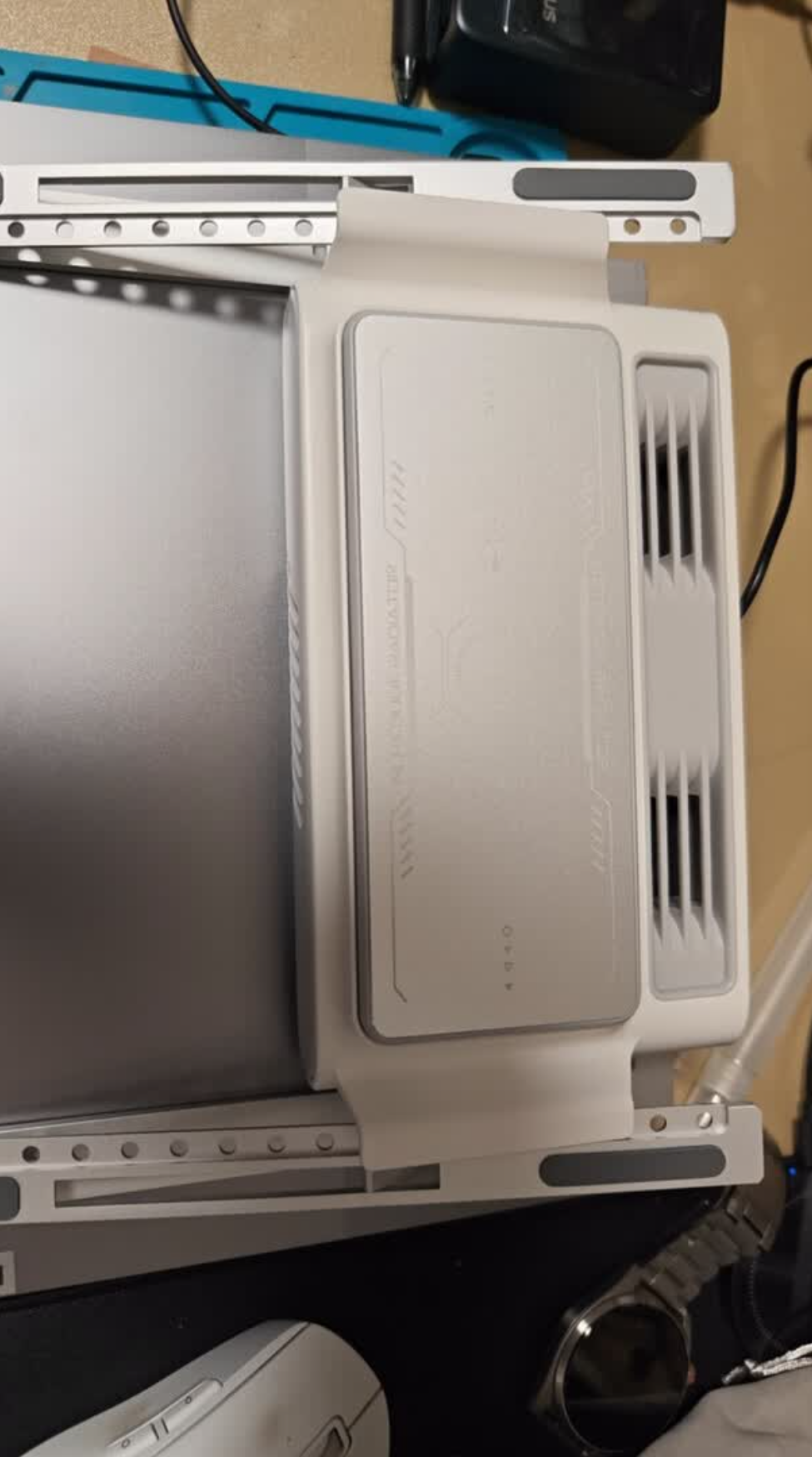
- Foldable + Detachable — Stand folds flat, cooler detaches separately. 700 g for the complete unit.
- Spring-Loaded Semiconductor Module — Presses tight against hotspot for maximum cooling.
- 10kg Load Capacity — Rock-solid stability with reinforced aluminum construction.
- Multi-Angle Ergonomic Adjustment — Golden viewing angle for any posture.
Technical specifications
Built dimensions, power, and fit.
- Cooling Type
- Semiconductor TEC + dual turbofan
- Frame
- Aviation-grade CNC aluminum alloy
- Fan Speed
- 3200 rpm
- Fan Modes
- 3 levels / Low, Mid, High
- Power
- 9 V / 2.4 A
- Cooling Surface
- 170 × 67 mm
- Load Capacity
- 10 kg
- Weight
- 700 g
- Dimensions
- 240 × 206 mm / stand
- Port
- Type-C
- Finish
- 0.125 mm sandblast anodized layer
Package inventory / H1 PRO
What's in the Box
The cooling stand, detachable cooler, fixed connectors, USB-C cable, and user manual are presented as one clear package inventory.
Compare
Which KryoZon cooler is right for you?
Compare the cooling system, fit and controls that matter before you choose.
| Models 4 options | Everyday quiet
H1 MAXQuiet direct-contact cooling for everyday metal laptops. |
H1 PROCNC aluminum stand with dual-turbofan active cooling. | Desk setup
H4 PROElevated cooling stand with integrated desk storage. | Max performance
H7High-output TEC and 8-fan cooling for large gaming laptops. |
|---|---|---|---|---|
| Best for | Quiet everyday cooling | Premium workstation | Organized desk setup | Maximum gaming performance |
| Fit & form | 12–18 in metal-bottom laptops | 12–18 in metal-bottom laptops · elevated CNC stand | 12–18 in metal-bottom laptops · storage stand | Cooling pad for laptops up to 21 in |
| Cooling system | Direct-contact semiconductor TEC | Semiconductor TEC + dual turbofan | Semiconductor TEC + dual turbofan | Semiconductor TEC + 8-fan array |
| Cooling area | 147 × 95 mm | 170 × 67 mm | 170 × 67 mm | 160 × 77 mm |
| Power | USB-C · 5 V / 1.7 A · approx. 8.5 W | USB-C · 9 V / 2.4 A | USB-C · 9 V / 2.4 A | 9 V / 3 A · approx. 27 W · adapter included |
| Weight | 530 g | 700 g | 1,000 g | 1,374 g |
| Controls | 5 tilt levels · 2,800 rpm · as low as 25 dB | 3 fan levels · 3,200 rpm | 3 fan levels · 3,200 rpm | Independent TEC/fan controls · 5 levels each |
| Choose | View H1 MAX | Current product | View H4 PRO | View H7 |
Compare H1 PRO with
H1 PRO
CNC aluminum stand with dual-turbofan active cooling.
H1 MAX
Quiet direct-contact cooling for everyday metal laptops.
- Best for
- Premium workstation
- Quiet everyday cooling
- Fit & form
- 12–18 in metal-bottom laptops · elevated CNC stand
- 12–18 in metal-bottom laptops
- Cooling system
- Semiconductor TEC + dual turbofan
- Direct-contact semiconductor TEC
- Cooling area
- 170 × 67 mm
- 147 × 95 mm
- Power
- USB-C · 9 V / 2.4 A
- USB-C · 5 V / 1.7 A · approx. 8.5 W
- Weight
- 700 g
- 530 g
- Controls
- 3 fan levels · 3,200 rpm
- 5 tilt levels · 2,800 rpm · as low as 25 dB
Product FAQ
Questions about setup, fit, and cooling.
How does the H1 PRO cool a laptop?
The H1 PRO combines a semiconductor TEC cold plate with dual turbofans. The cold plate targets the laptop's hot area while the fans move heat away from the surrounding surface.
What fan settings does the H1 PRO provide?
It has three fan levels: Low, Mid, and High. The dual turbofans are rated at 3200 rpm.
How is the H1 PRO powered?
The H1 PRO uses a Type-C power connection. Use a stable external USB power source and follow the cable and power guidance supplied with the product.
How large is the H1 PRO cooling surface?
The semiconductor cooling surface measures 170 x 67 mm. Position the laptop so this area contacts the main hotspot as directly as possible.
What are the H1 PRO stand dimensions and weight?
The stand measures 240 x 206 mm and weighs 230 g. The stand folds, and the cooling unit can be detached for storage or transport.
How much weight can the H1 PRO stand support?
The aluminum stand is rated for a load of up to 10 kg. Place it on a stable, level surface before setting the laptop on it.
What material and finish does the H1 PRO use?
The frame is made from CNC-machined aviation-grade aluminum alloy with a 0.125 mm sandblast-anodized surface layer.